3D livery editor for iRacing
Design liveries
on the car.
 BremboDecal · On car
Brembo decal visible at 100% opacity.
Place artwork directly on the 3D model, render it under studio lighting and export a paint file ready for iRacing.
In development · WindowsMade in RaceLayers
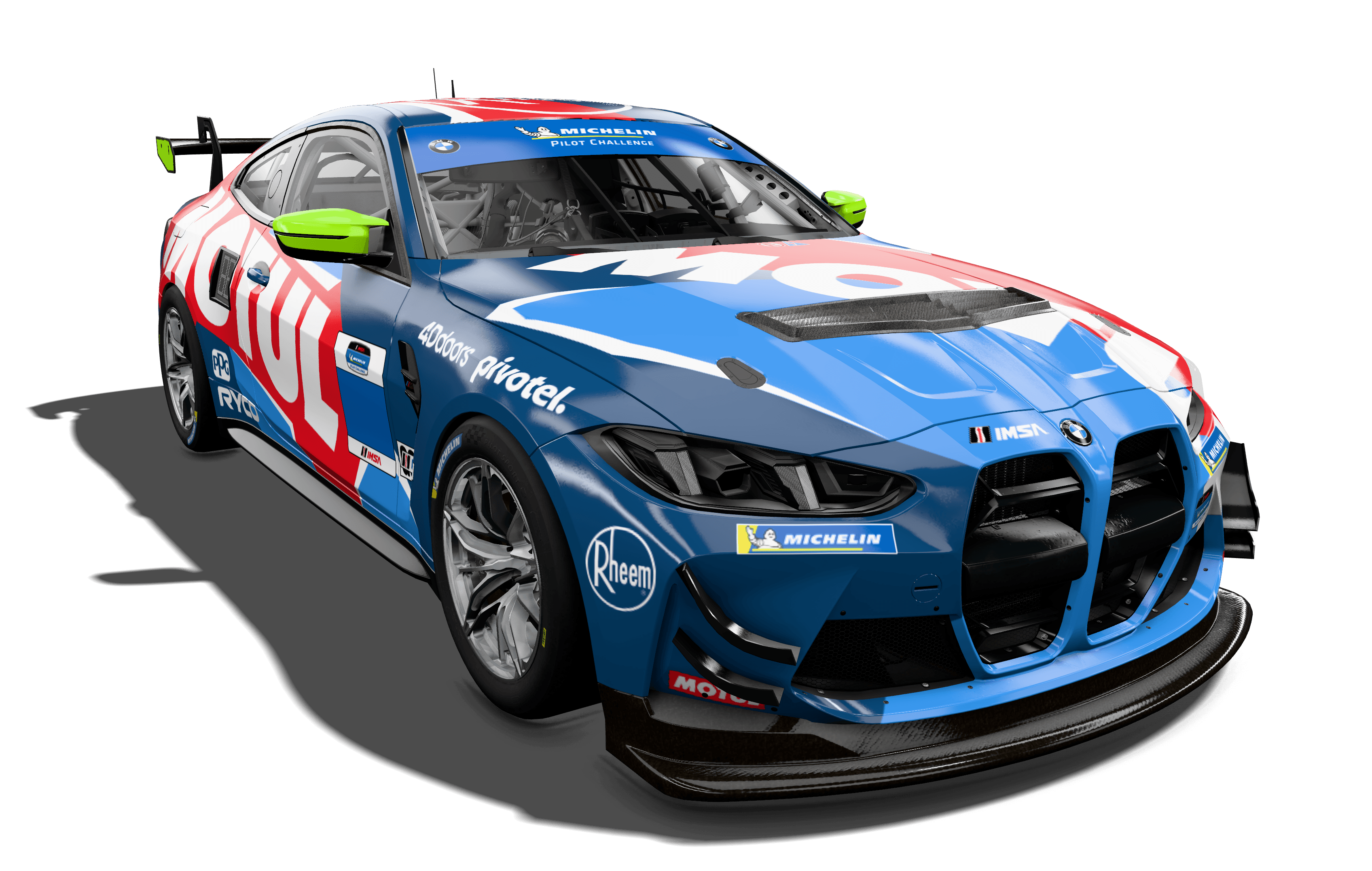
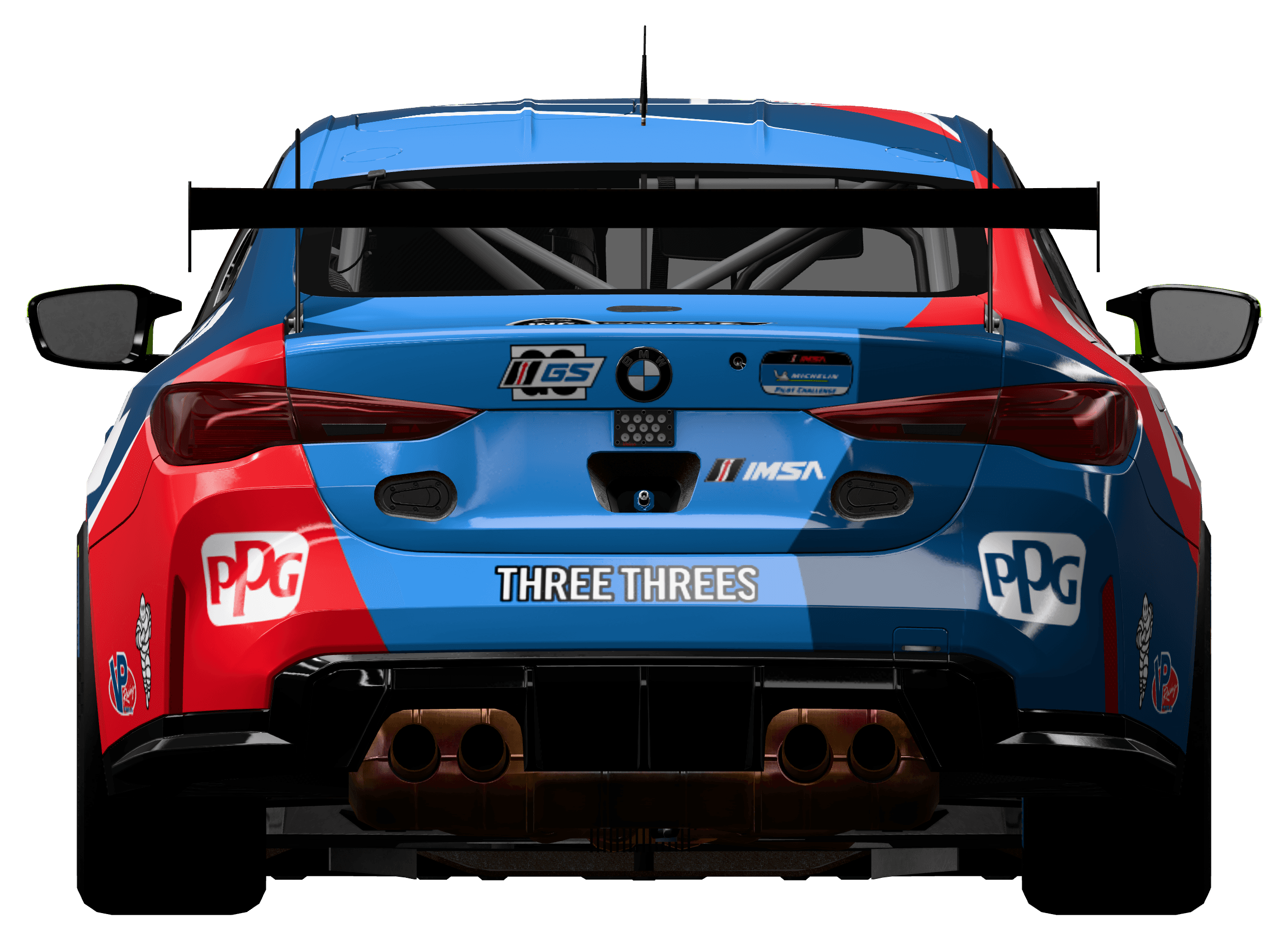
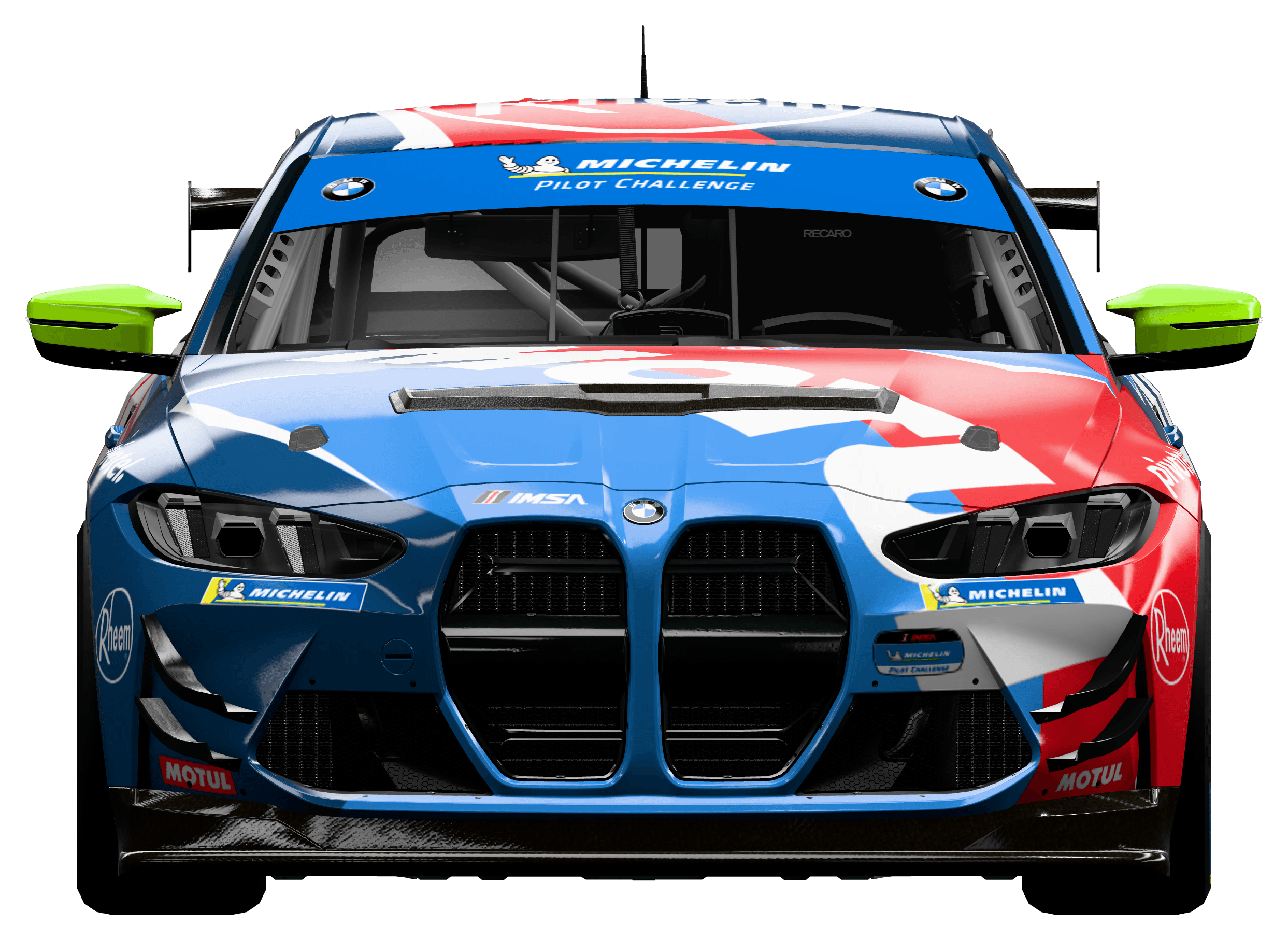
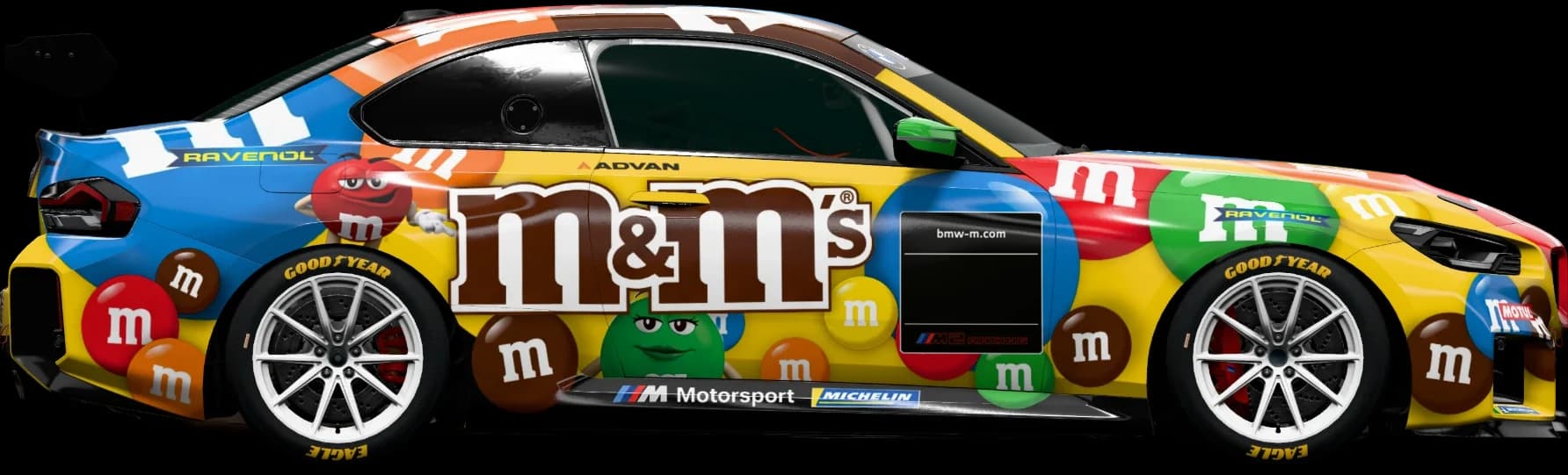
Studio renders exported from the app.
01Editor
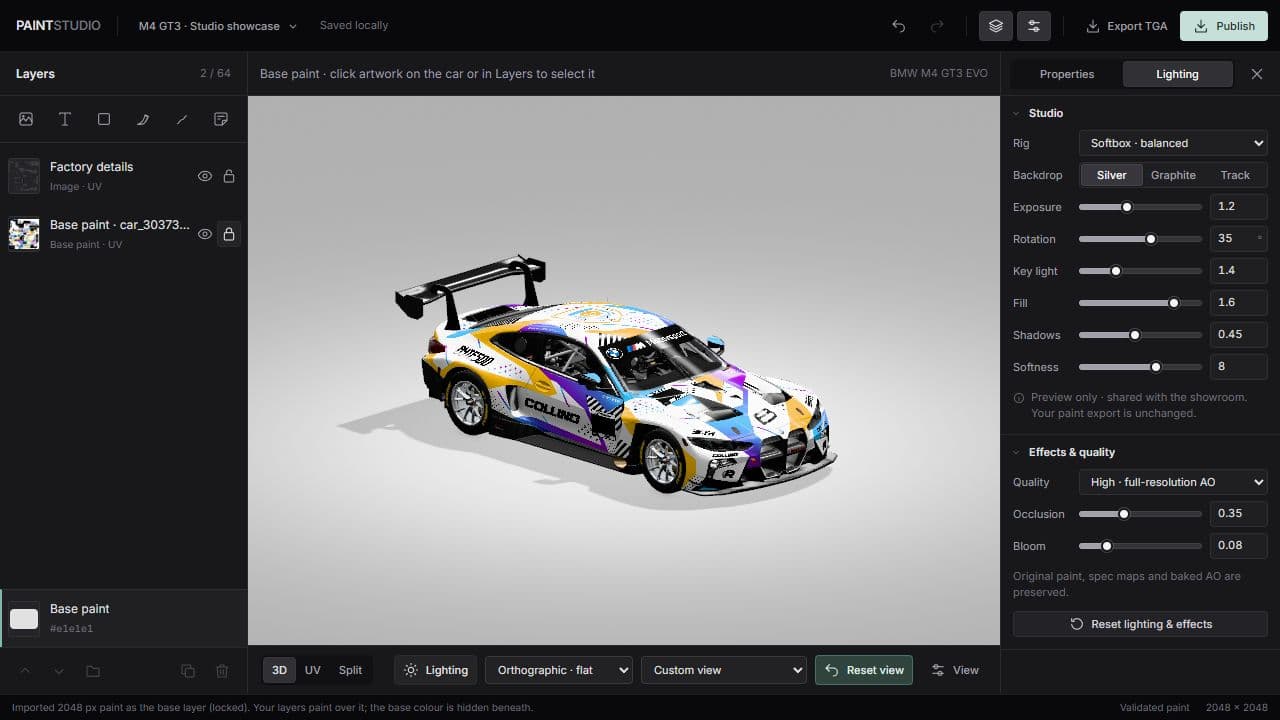
Design directly on the 3D model.
Place artwork on the body and see it across every panel as you work. The flat UV texture is one click away for precise edits.
Layers
Images, text, shapes, paths and groups. Every layer stays editable.
Wrap
Lays artwork over the body like vinyl, around edges and corners.
Follow and Keep
Projects artwork flat onto the panel beneath it, or from one fixed direction.
Along
Runs a stripe along a line you draw on the body, across every panel it meets.
Decals
Confines a logo to the panels it lands on.
Mirror
Copies a layer to the other side of the car.
Linked colours
Name a colour once. Change it, and every layer using it updates.
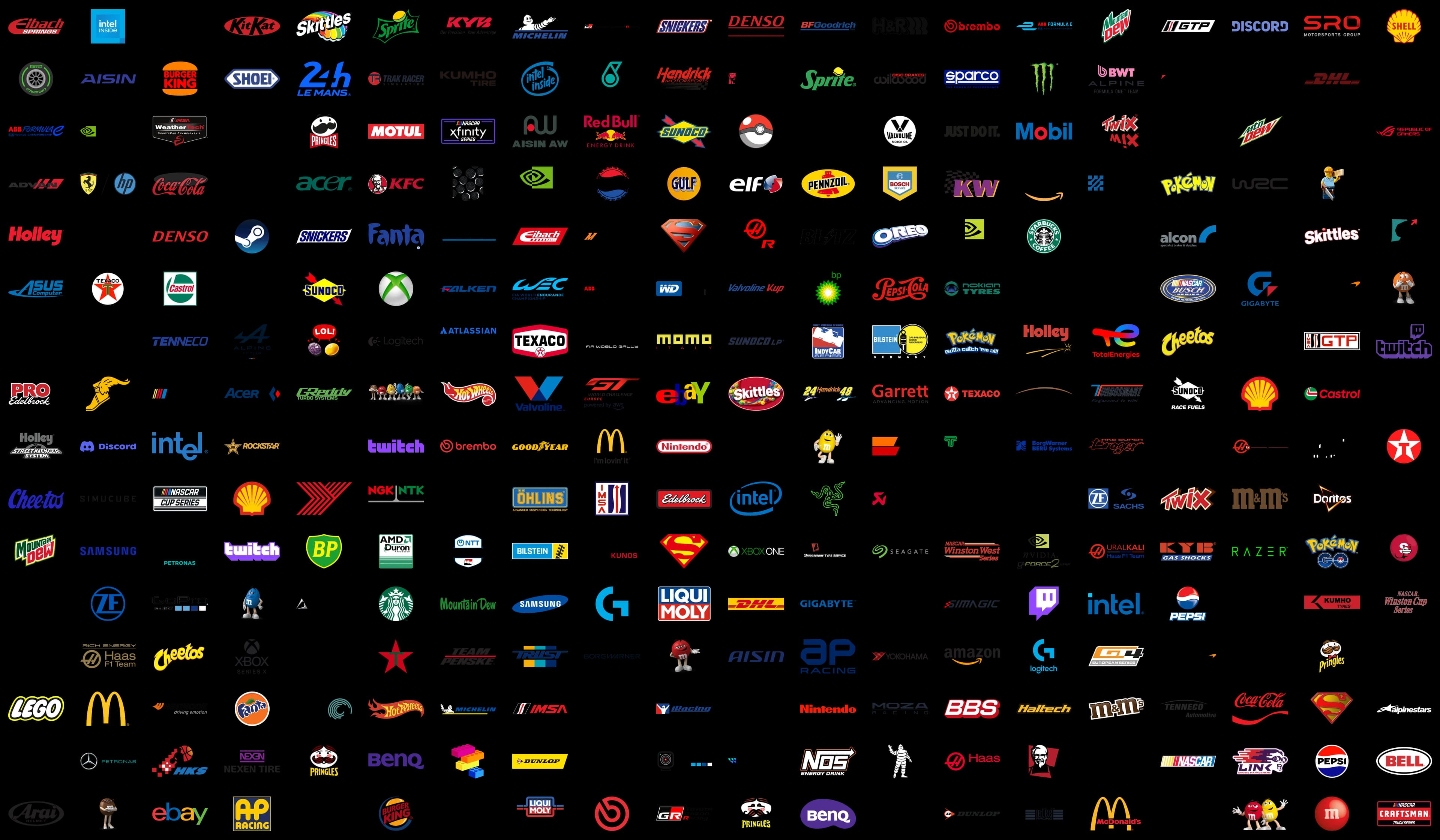
Sponsor library
Add logos from the built-in catalogue, or upload your own PNG.
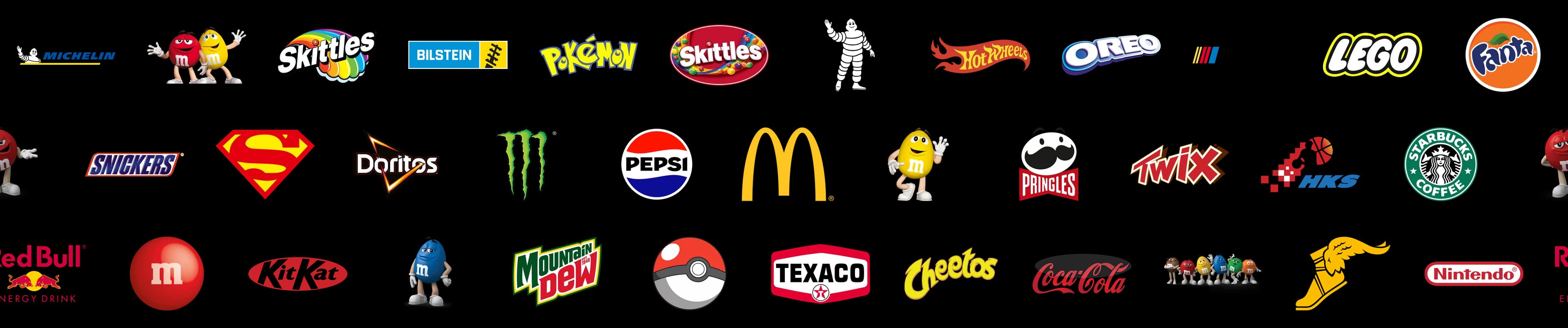
The sponsor library
A whole grid of possibilities.
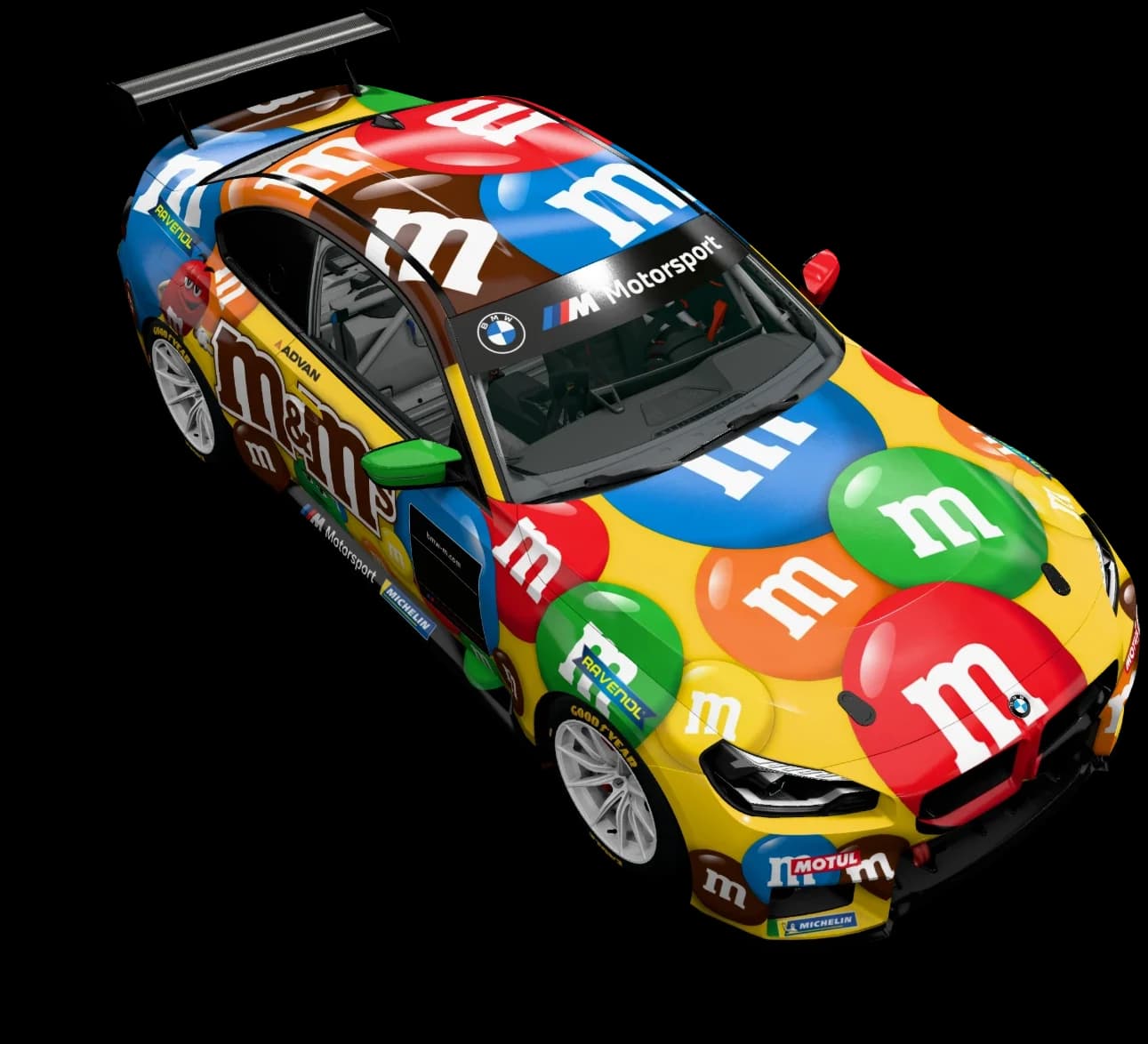
Racing classics, familiar brands, characters and more. Pick a design from the library and put it straight on your car.
02Finishes
Set the finish per layer.
Start from a preset, then tune metallic, roughness and clearcoat. The spec map is written for you on export.
Gloss
- Metallic
- 0.00
- Roughness
- 0.09
- Clearcoat
- 0.00
Satin
- Metallic
- 0.00
- Roughness
- 0.45
- Clearcoat
- 0.00
Matte
- Metallic
- 0.00
- Roughness
- 0.85
- Clearcoat
- 0.00
Metallic
- Metallic
- 0.70
- Roughness
- 0.20
- Clearcoat
- 0.35
Chrome
- Metallic
- 1.00
- Roughness
- 0.04
- Clearcoat
- 0.00
Candy
- Metallic
- 0.25
- Roughness
- 0.10
- Clearcoat
- 1.00
03Studio
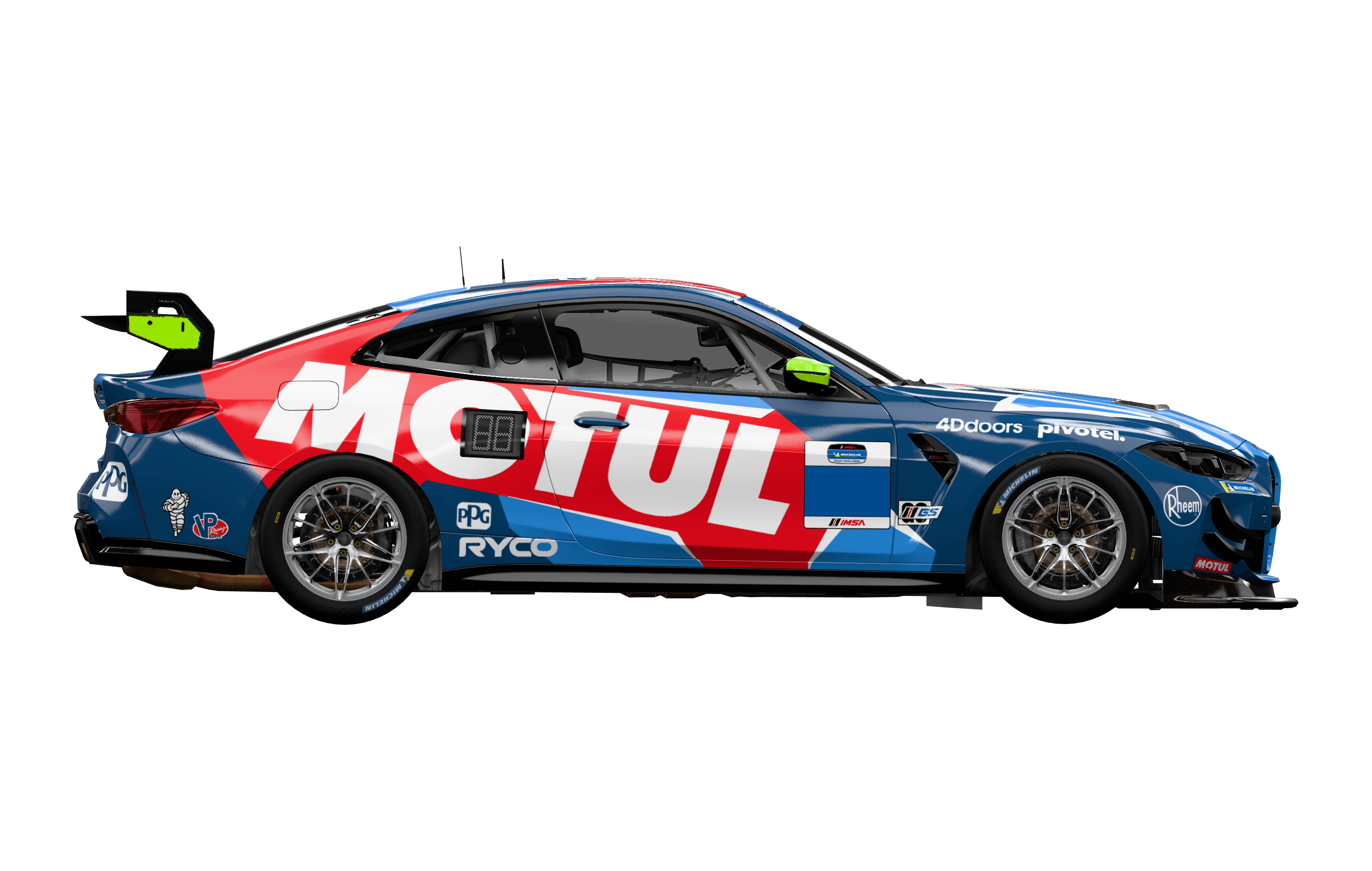
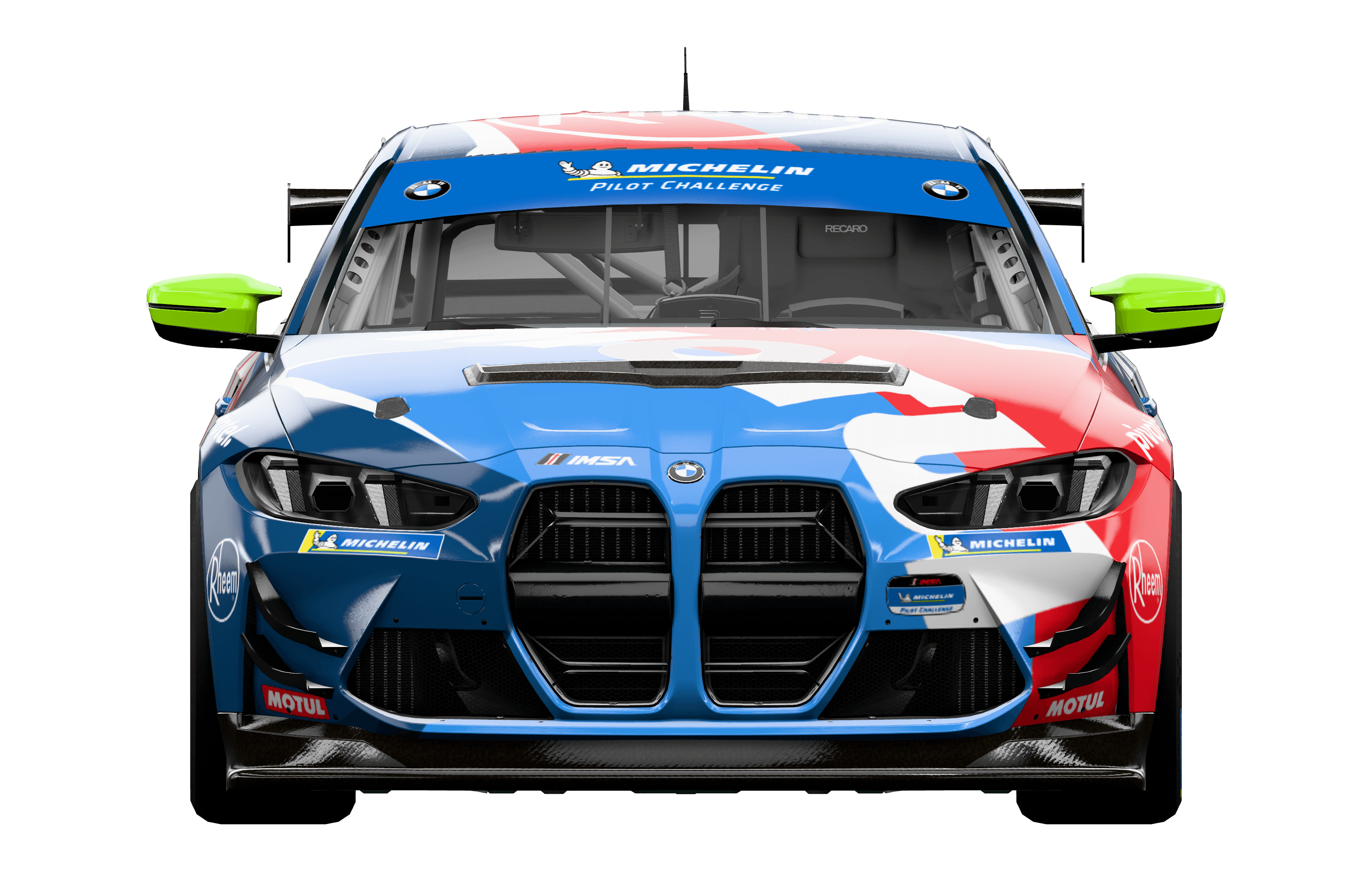
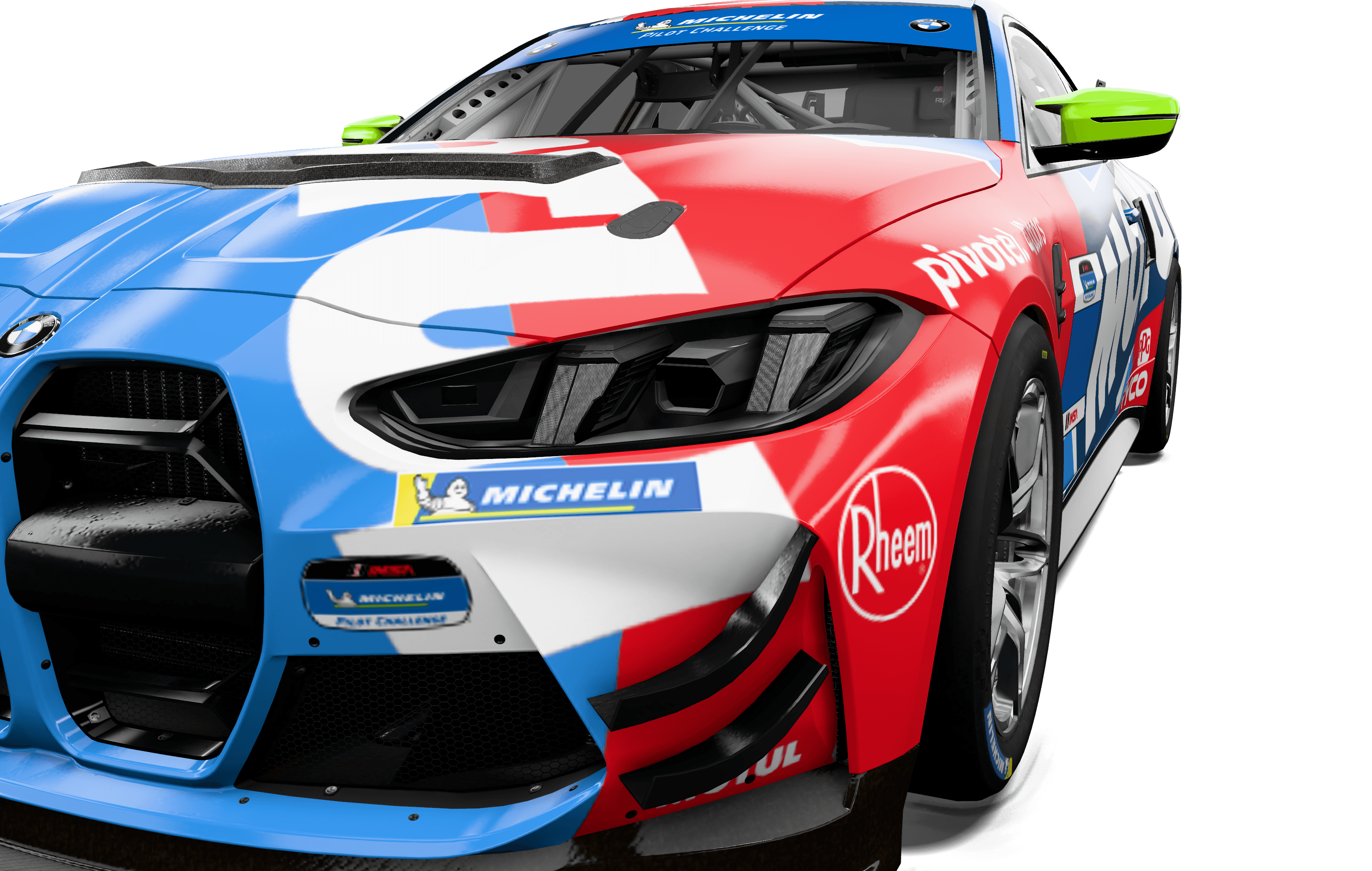
Studio renders of any livery.
Light, frame and export a still of a paint made here or anywhere else.
Lighting
Softbox, Sculpted, Inspection and Showroom rigs. Rotate the key light and set fill, shadow and exposure.
Cameras
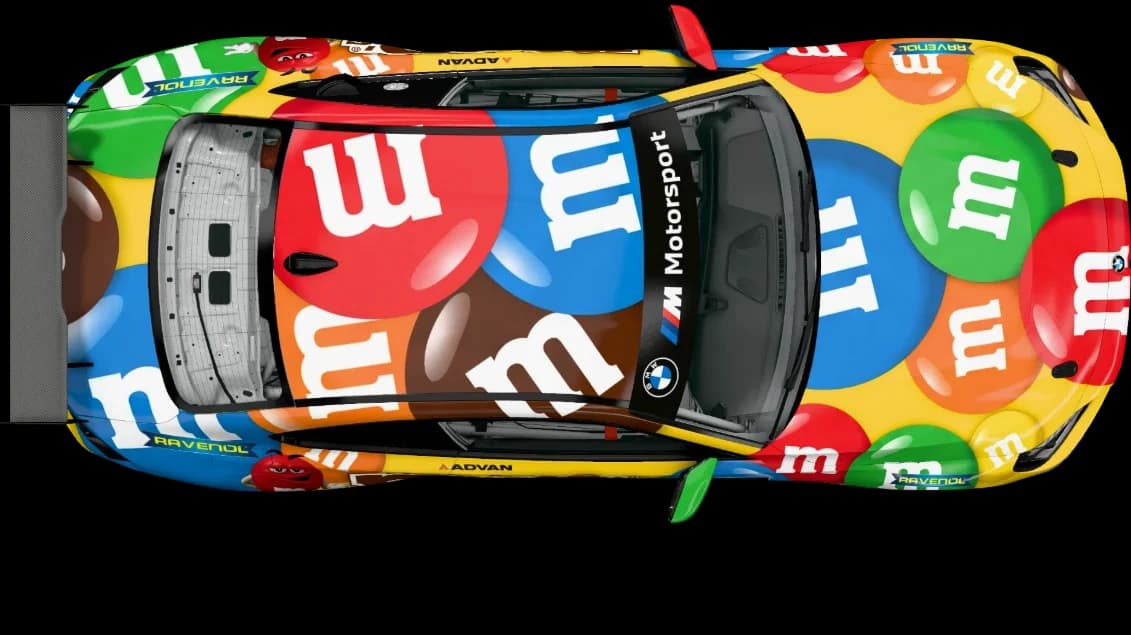
Perspective or orthographic, with side, front, rear, roof and three-quarter presets.
Export
PNG on the studio backdrop, transparent, or transparent with the shadow kept. Up to 4K.
04Workflow
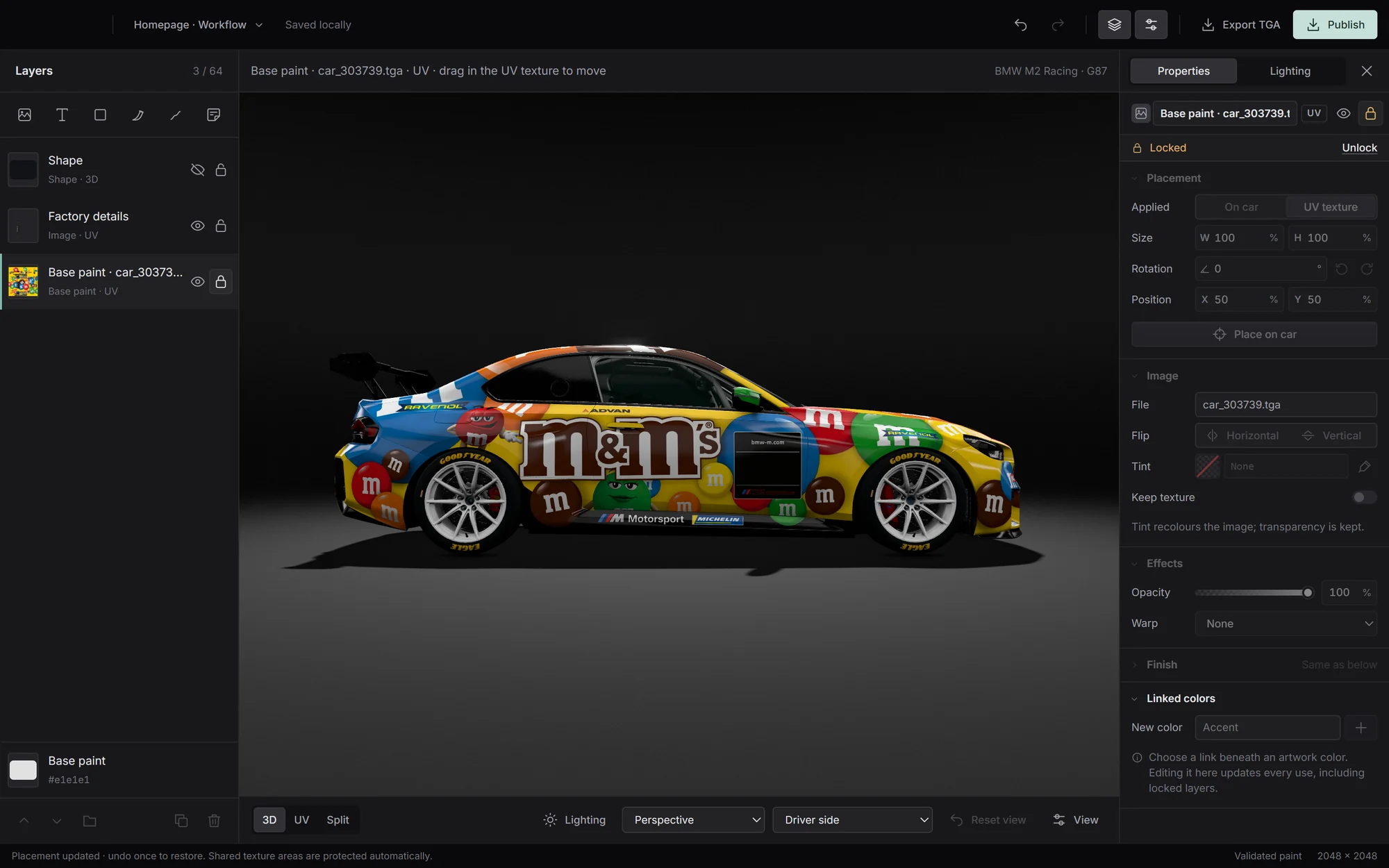
Add to the paint you already have.
Placing artwork across panel gaps is hard on a flat template. Import your TGA, place decals and stripes on the car, and export the finished paint.
05Cars
27 cars across GT3, GT4 and GTP.
Every car is mapped to its official iRacing paint template.
GT311
- Acura NSX GT3 EVO 22
- Aston Martin Vantage GT3 EVO
- Audi R8 LMS EVO II GT3
- BMW M4 GT3 EVO
- Chevrolet Corvette Z06 GT3.R
- Ferrari 296 GT3
- Ford Mustang GT3
- Lamborghini Huracán GT3 EVO
- McLaren 720S GT3 EVO
- Mercedes-AMG GT3 2020
- Porsche 911 GT3 R (992)
GT46
- Aston Martin Vantage GT4
- BMW M4 GT4 EVO
- Ford Mustang GT4
- McLaren 570S GT4
- Mercedes-AMG GT4
- Porsche 718 Cayman GT4 Clubsport MR
GTP and Hypercar6
- Acura ARX-06 GTP
- Aston Martin Valkyrie AMR-LMH
- BMW M Hybrid V8 Evo
- Cadillac V-Series.R GTP
- Ferrari 499P
- Porsche 963 GTP
Sports and cup4
- BMW M2 CS Racing
- BMW M2 Racing
- Porsche 911 Cup (992.2)
- Toyota GR86
06FAQ
Common questions.
What RaceLayers reads, writes and stores.
Can I start from a paint I already have?
Yes. Import any iRacing paint TGA as a locked base layer and build on top of it, or open it in the studio as it is.
What does it export?
A paint TGA, plus a spec map when any layer uses a custom finish. Publish writes both to your iRacing paint folder, for one or more customer IDs.
Where are my projects stored?
On your computer. Projects save automatically, keep a full undo history and support named checkpoints.
Will the car look the same in iRacing?
Very close, but not identical. Materials and lighting approximate iRacing’s renderer, so check the final paint in the sim.
Which platforms does it run on?
Windows, 64-bit. RaceLayers runs on your PC, next to your iRacing install.
Can I download it yet?
Not yet. RaceLayers is in development. Create an account to join the early-access list, and we’ll email you as access opens.